What's happening
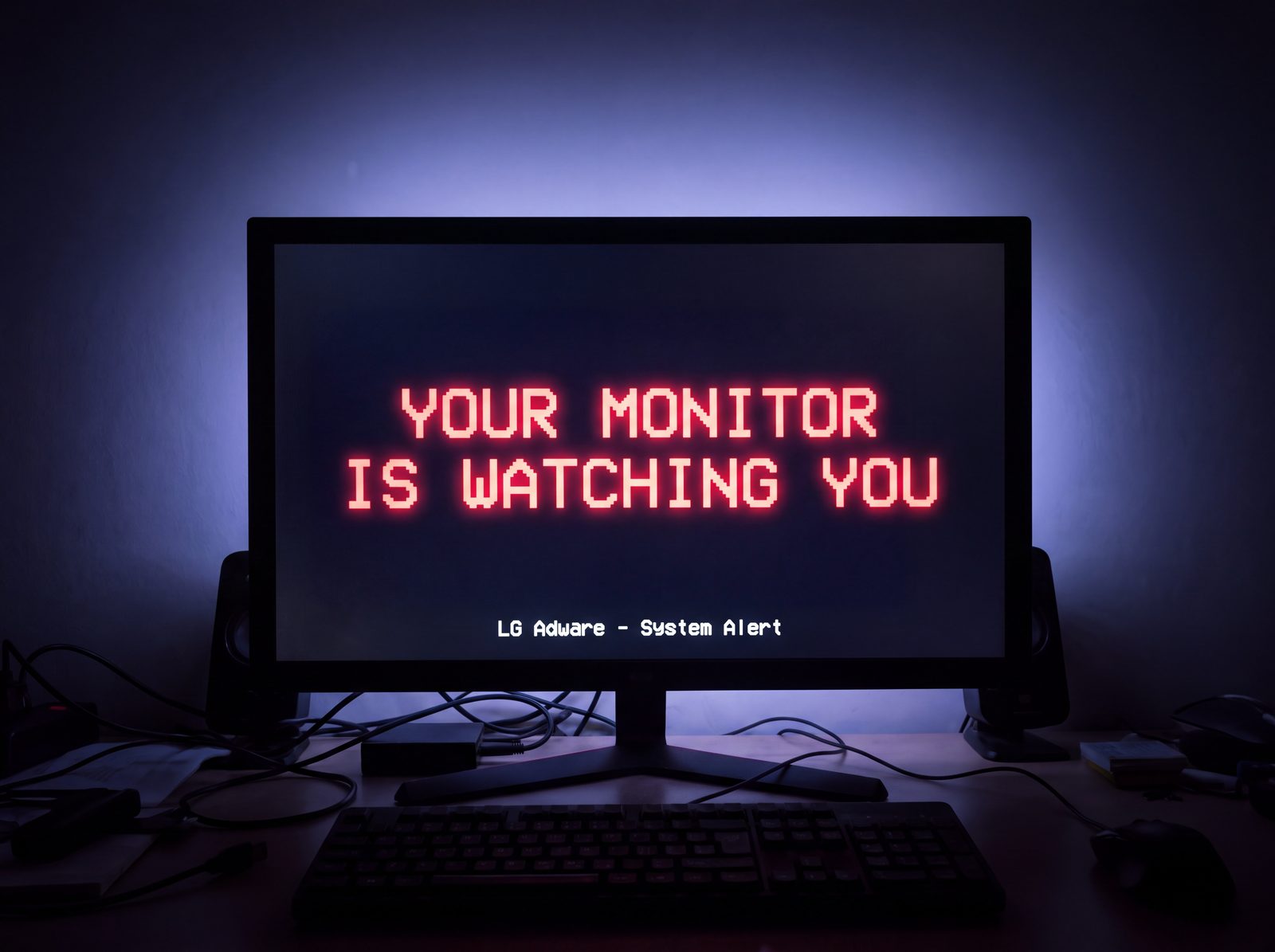
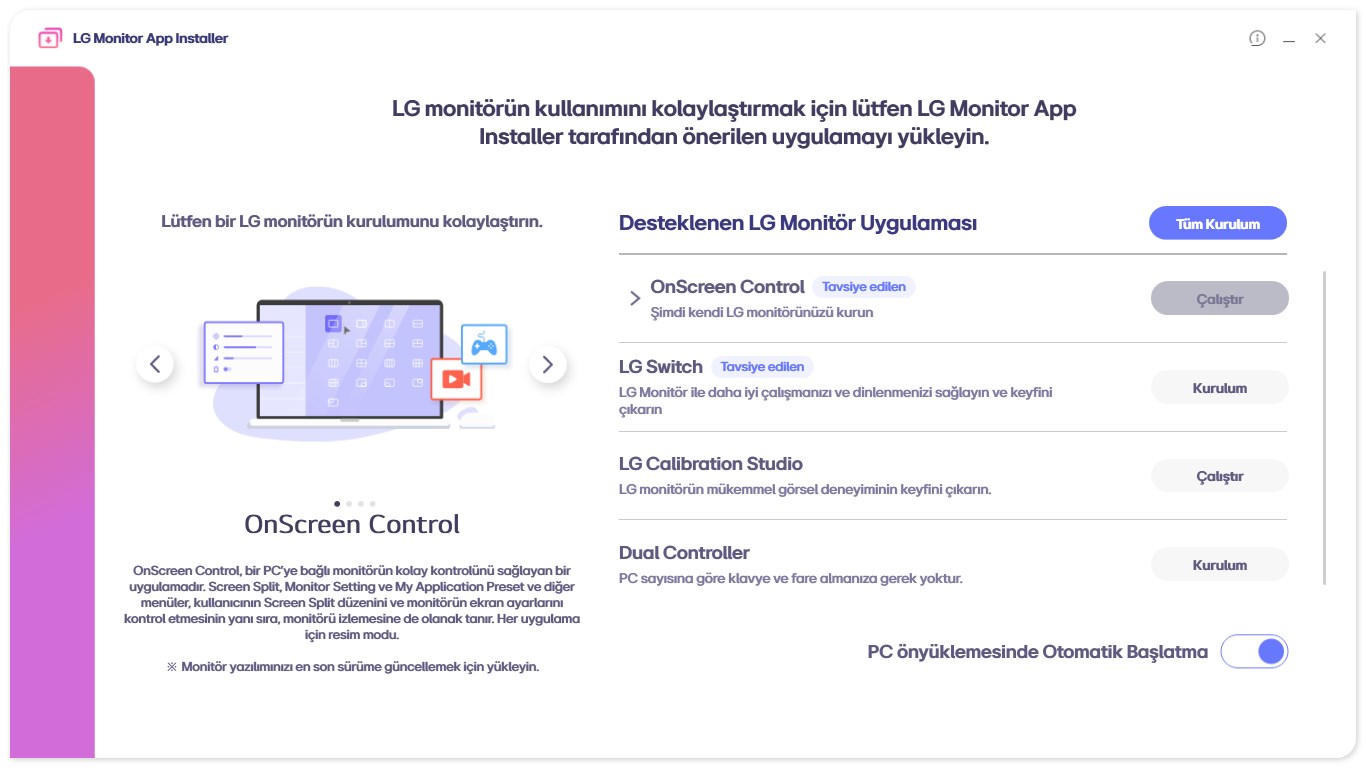
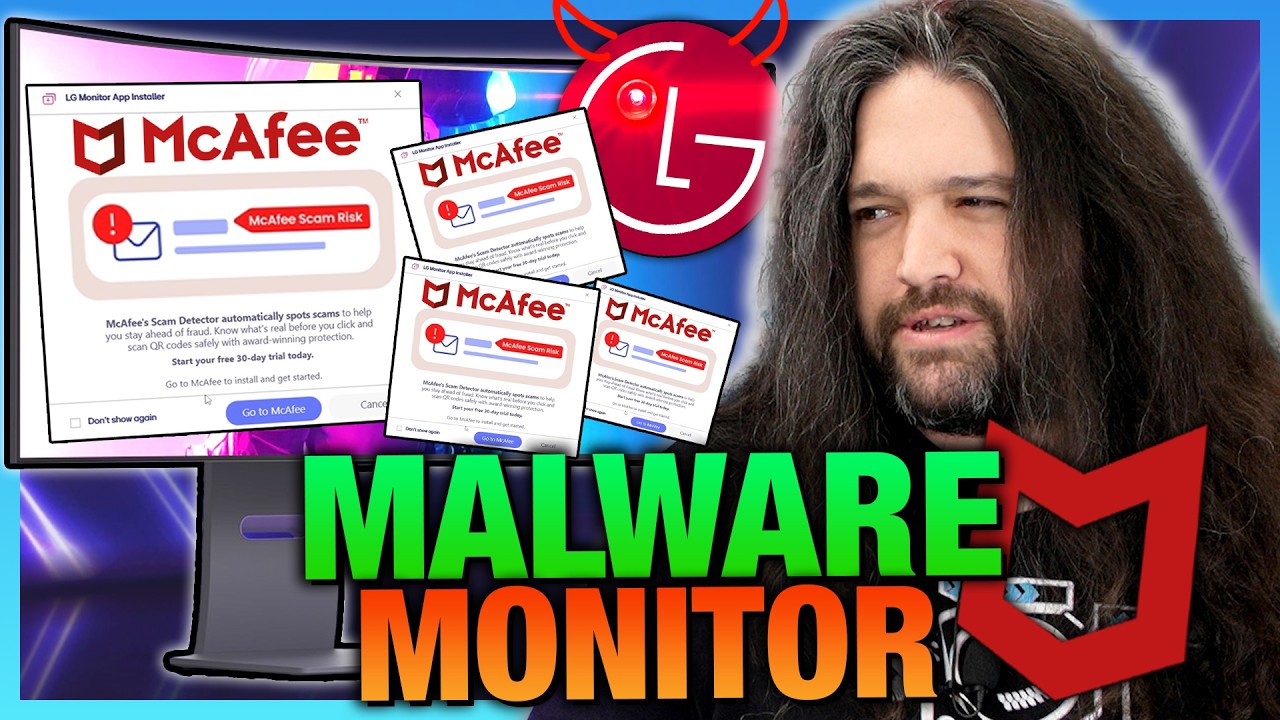
Connecting certain LG monitors to a Windows PC silently installs the LG Monitor App (LGElectronics.LGMonitorApp), with no installation dialog and no consent. The app's first visible act is a McAfee pop-up (a “30-day trial” / “Scam Detector” offer). Gamers Nexus saw the offer on 31 of 32 consecutive boots.
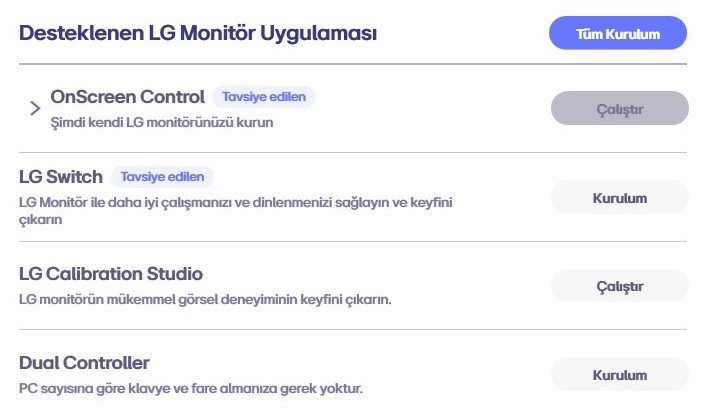
It arrives through Windows Update. Two LG packages, signed as drivers but carrying no driver code, are delivered for the connected monitor; one instructs Windows to fetch the app from the Microsoft Store, which the SYSTEM account then installs. We recovered that chain from one of our own machines, documented to the second. The detail is below, and the full log is in our forensic report.
It installs the moment you connect. And Windows keeps it alive after the monitor is gone.
We pulled the full install chain off one of our own machines, down to the second:
- Silent at connection. September 30, 2025, 9:52 PM: Windows Update delivers two LG "driver" packages for the connected UltraGear. Neither contains driver code. One exists to fabricate a phantom child device. The other carries a single instruction: fetch
LGElectronics.LGMonitorApp from the Microsoft Store. Half a minute later the app is installed by SYSTEM and registered into the user account at next logon. No prompt appears at any step.
- The monitor left in October 2025. The app never did. Nine months after the panel was unplugged, the app self-updated at 2:11 AM on July 9, 2026, staged by SYSTEM, and the Store's install service touched it again on the morning of July 17. Windows was still re-staging the dead monitor's metadata as late as July 15.
- Uninstalling the app alone leaves the machine armed. Both LG delivery packages stay in the Windows driver store, wired to 51 LG hardware IDs across 19 monitor models. Connect any of them and the whole chain fires again. The full removal is in the fix.
The minute-by-minute evidence, including LG's own INF directives, is in our forensic install report.
Two years quiet. Then the switch flipped.
The install base built silently long before the ads did. On Microsoft's own Tech Community, the complaint thread about this app opens on November 18, 2024, and for twenty months every post is about the mystery install: a July 2025 repair tech calling it a force-installed PUP on client machines, a March 2026 user documenting the install landing despite having both the device-metadata policy and the Store-disable policy enabled. Not one post mentions advertising. The community reply marked as the official solution told everyone the app was safe.
Then on July 1, 2026, the first ad report appears: a McAfee Scam Detector pop-up on a machine that had carried the app quietly. A second user reports the McAfee notifications the same day, and every reply since is about the ads.
That date lines up with the app's own version chain. On our machine: build 1.2405.3001.0 installed September 2025, then 1.2602.502.0, then 1.2606.1601.0 arriving by SYSTEM self-update on July 9, 2026. The numbering reads like year-month builds, and a June 2026 build rolling out through staggered Store updates lands exactly on the window where the thread turns into ad complaints, Reddit lights up, and Gamers Nexus's three-year-old UltraFine starts popping during production of their video.
What we can't yet prove is whether the advertising ships inside the June build or gets switched on server-side, since the app is internet-connected and its payload can change remotely. Reader data can settle it: see what to send us.
Are you affected?
If an affected LG monitor has ever been connected to your Windows PC, even months ago, even if it's long gone, check your machine. The install needs no consent, and it doesn't leave when the monitor does, so “I unplugged it” is not the same as “it's clean.”
The 30-second check (no monitor required):
- Open Settings → Apps → Installed apps (Windows 10: Apps & features).
- Search
LG Monitor and McAfee.
- See LG Monitor App or LG Monitor App Installer, or a McAfee entry you never installed? You were hit.
The deep check, for techs: run pnputil /enum-drivers and look for lgmonitorappextension.inf or lgmonitorappsoftwarecomponent.inf from LG Electronics Inc. A machine can be armed with these packages even when the app itself is absent.
We're documenting machines that had an affected LG display connected in the past and still carry the app today. Found it on a PC whose LG monitor has long since been unplugged? Send us the app's install date and a screenshot, that evidence is exactly what we're collecting.
What it takes
LG's terms let the auto-installed monitor app claim:
System resources
Internet connectivity
Location
Device data
Contacts
Credentials
Transactions
Online activity
It's a monitor. It should not want your logins, location, contacts, or transactions. LG's terms take all four, from the company already caught doing it on its TVs.
This isn't LG's first time
"Spyware" isn't hyperbole with LG. It's a pattern. The monitor is just the newest vector.
- 2013: an LG TV was caught sending the filenames on a user's USB drive back to LG, and it kept transmitting after he opted out. The BBC reported it. LG admitted it.
- Every 500ms: Texas AG Ken Paxton alleges LG TVs screenshot your screen twice a second, transmit it without consent, and sell the profile. That case is why the “wiretapping” pop-ups exist.
- 2024–2025: ads shoved into TV screensavers, a force-installed and unremovable Copilot, and at least eight class actions in a decade.
- Read the terms: LG makes you warn your house guests their voices “may be captured,” to comply with wiretapping laws.
Same company. Now on your PC, through the monitor, claiming your logins, location, contacts, and transactions. It never asked. Seen it phone home? Send the capture.
The fix
Two layers: remove the app, then remove LG's delivery packages so the machine can't re-arm. Uninstalling the app alone leaves both LG packages in the Windows driver store, and connecting any of 51 LG hardware IDs fires the whole chain again.
1. Remove the app. Settings → Apps → Installed apps, uninstall LG Monitor App (some versions list it as LG Monitor App Installer; the device tree calls it "LG Monitor Support Application"). Or from an elevated PowerShell:
Get-AppxPackage -AllUsers LGElectronics.LGMonitorApp | Remove-AppxPackage -AllUsers
2. Remove LG's two delivery packages. From an elevated prompt, list the driver store:
pnputil /enum-drivers
Find the two entries from provider LG Electronics Inc. with original names lgmonitorappextension.inf and lgmonitorappsoftwarecomponent.inf. Note each one's published name (oemXX.inf; the numbers differ on every machine, so read yours off the list). Then, once per package:
pnputil /delete-driver oemXX.inf /uninstall
This is surgical. It deletes LG's app-delivery packages and touches nothing else. Printers keep their setup and scanning software, mice and keyboards keep theirs, every other device on the machine is unaffected, and real driver updates keep flowing. Windows Update can re-offer LG's packages if a listed LG panel is connected again; we're monitoring for that on our own machines, and anything that changes gets reported here first.
About the Group Policy options: community testing and press coverage verify that enabling "Prevent automatic download of applications associated with device metadata" (gpedit.msc → Computer Configuration → Administrative Templates → System → Device Installation) stops these installs on many machines, and it's a reasonable hardening step for techs, IT, and shops. Know two things before relying on it. First, the cost: companion software for every vendor's hardware stops arriving automatically, printers included, and you install vendor apps manually from then on. Drivers themselves keep flowing. Second, the reports conflict: a March 2026 user on Microsoft's own forums documented the install landing with that policy and the Store-disable policy both enabled, and our forensic chain explains how, since the documented delivery rode the Windows Update driver channel, which those policies don't gate. That conflict is exactly why the package removal above is our primary fix. The one policy that gates the driver channel outright also stops real driver updates, so we don't recommend it on home machines. Windows Home has no Group Policy Editor; our tested registry method for Home is coming.
The trigger list, from LG's own delivery package
We pulled apart the LG extension package resident on our machine (dated August 27, 2024, WHQL-signed). It wires 51 hardware IDs across 19 monitor models for automatic app delivery:
34WQ73A · 34BQ77QC · 27BQ85U · 27UQ750 · 28MQ750 · 27GR83Q · 27GR93U · 32GR93U · 27UQ850V · 32UQ850V · 32GR75Q · 27GS85Q · 32GS85Q · 27BA850 · 24BR750E · 27UP850 · 24BA850 · 24BA750 · 27BA750
Full hardware-ID table in the forensic report. And note what's missing: the models from the news cycle (UltraGear 34GX900A-B, 27GP83B, 27GN800, UltraFine 32UN880-B) don't appear in this revision. LG ships multiple revisions of this package with different coverage, so the real footprint is larger than any single list, ours included. Seen a model trigger the install that isn't listed anywhere? Tell us.